
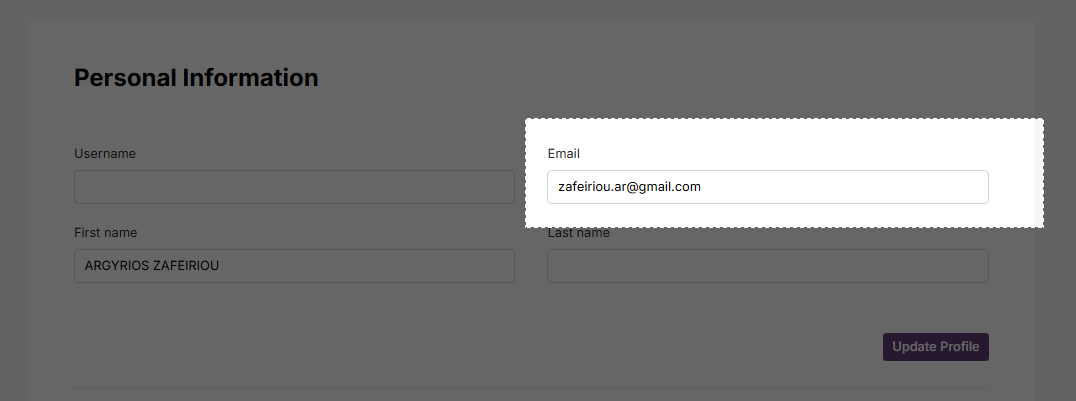
Update your email
Login and head to My Profile
Enter a new email
Tap Update Profile
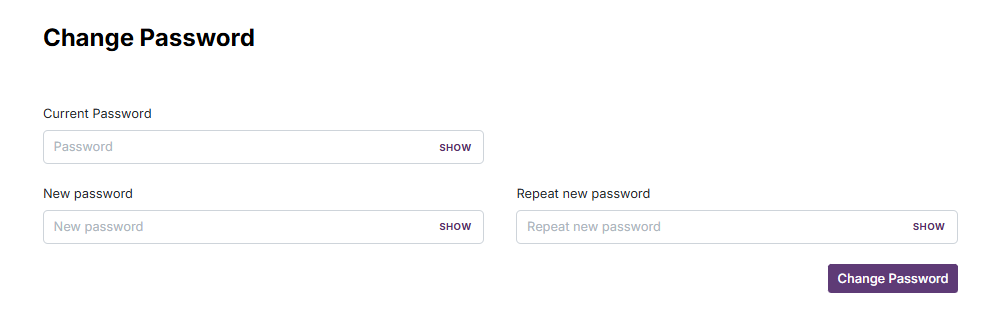
Change password
Login and head to My Profile
Enter your current password, a new password, and repeat the new password.
Tap Change Password
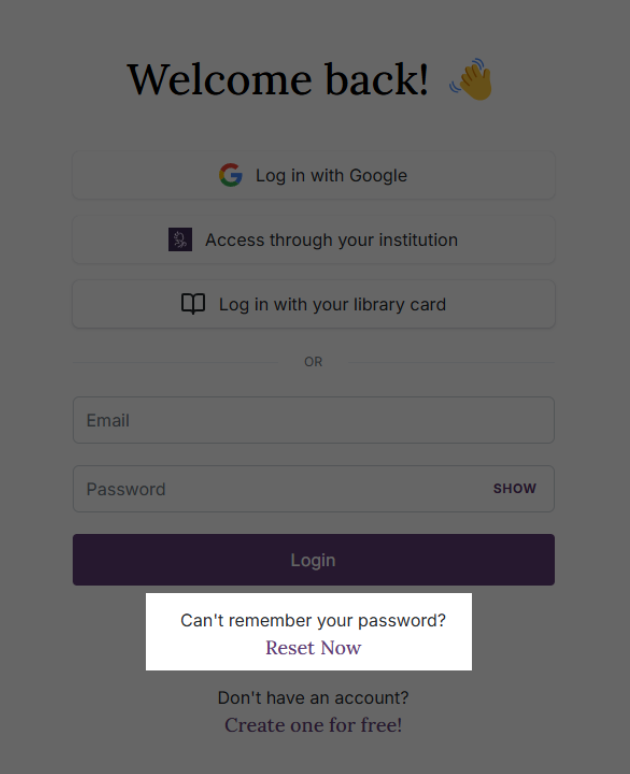
Reset your password
If you forgot your password, click “Reset now” on the login page.
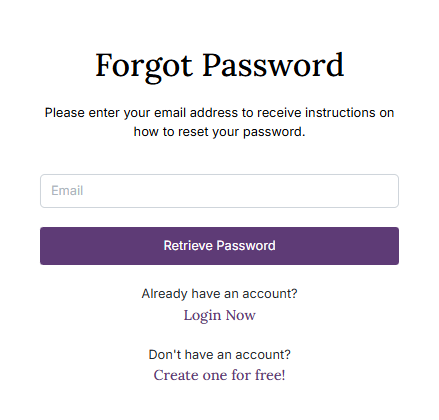
Enter your registered email address, and we'll send you instructions to securely reset your password.